OptionRadar
A desktop app for the Iranian options market, with real data from TSETMC
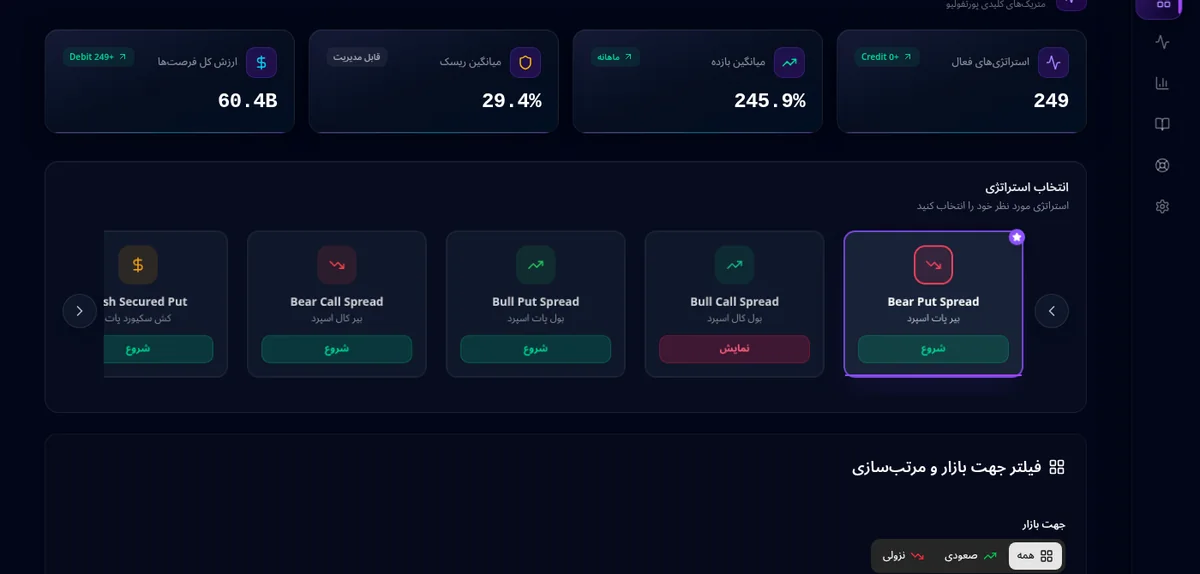
A desktop application for the Iranian options market, reading real data from the exchange.
What it is
Iran’s options market is not covered by the international tools, and the local information is scattered across screens. OptionRadar is an attempt at one screen that answers the questions a trader actually asks: what is positioned, how is expected move changing, where are the levels that matter, and how much is at risk.
It pulls live contract data from TSETMC, the exchange’s own service, and analyses it with seven independent strategies.
What it does
- Live contract data from TSETMC — instrument details, price and volume, fetched rather than hardcoded.
- Seven analysis strategies, each producing its own signal, shown side by side so they can disagree with each other in view.
- A Jalali calendar that understands expiry dates, which is the detail that makes an Iranian options tool usable rather than merely correct.
- Risk and signal dashboards, plus watchlists and alerts for the contracts I follow.
- Runs as a native desktop app, built with Tauri so the interface is a web UI that ships as a small binary rather than an Electron one.
The numbers
| 10,600 | lines — 1,950 Rust, 8,700 TypeScript |
| 7 | independent analysis strategies |
| Jalali | native calendar and expiry handling |
Why it’s worth a look
Building for a market that global tools do not cover means every domain decision has to be made from scratch: what “expiry” means on the Jalali calendar, what a working day is when the exchange has its own holidays, and how to represent an instrument whose contract identifiers do not follow the international convention. That domain work is less visible than the code and harder to get right.
Current state — and where it does not work
I would rather list this plainly than let the screenshots imply otherwise.
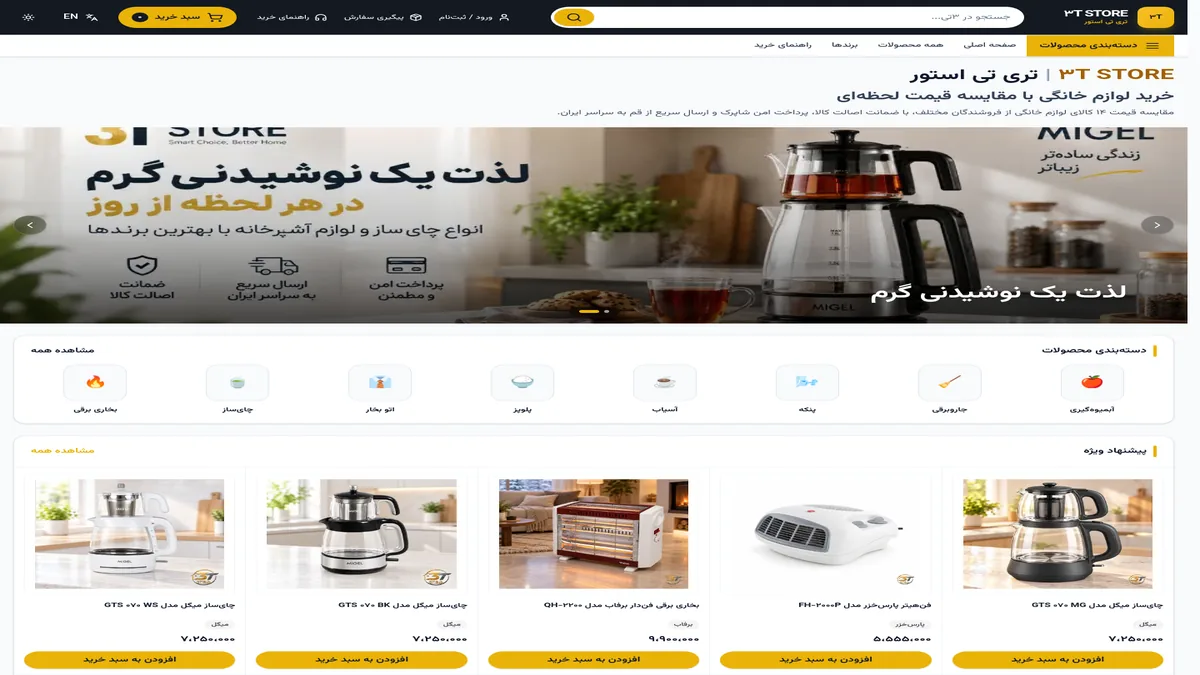
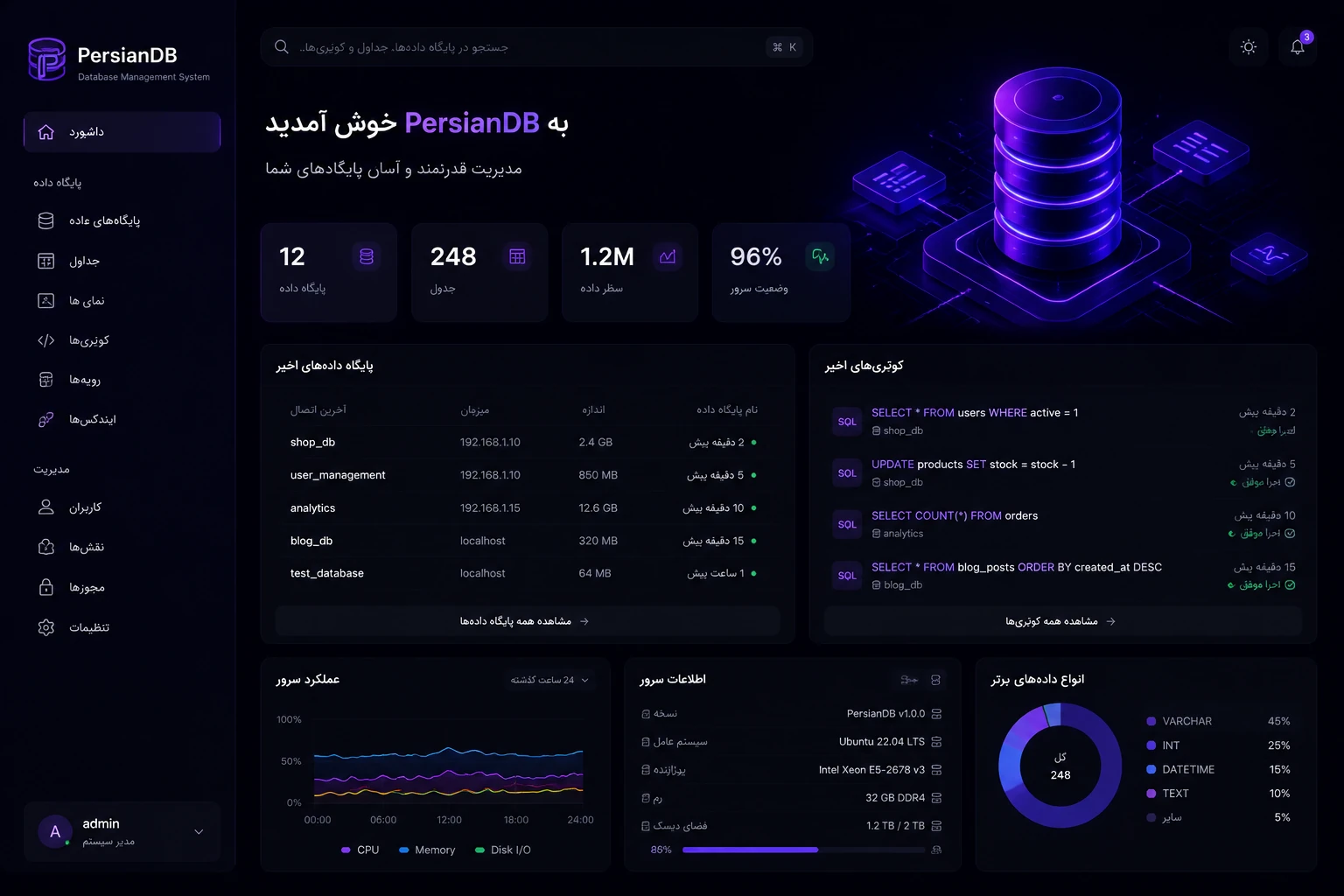
- The web build’s exchange parser is incomplete. It fetches 1,587 contracts and real volume, but the TypeScript parsing step under-reads and the app falls back to sample data. The desktop build does not have this problem. The screenshots on this page are the web build, which is why you may see sample charts where live data should be.
- Charts render placeholder series in the sample-data path, so they demonstrate the interface rather than the market.
- The
openInterestfilter does nothing. It is present in the interface and inert. - I have never run it on a real Windows machine, and the installer is not code-signed.
- Most of the test suite does not run in the standard
cargo testcommand, because the tests need a live connection or the GUI.
The screenshots are real runs of the real app — that part is not staged. What they show is the interface, not a finished data pipeline.